
Kaierda
D350S Robot Welding Power Source
D350S is a robotic welding power source with a 30–350 A output range and 12–36 V voltage range. The supplied process list includes CO₂/MAG/MIG short-circuit and MAG/MIG pulse welding for selecting a material-and-wire package.
- Input
- Three-phase AC 380 V ±15%; 50/60 Hz
- Rated input power
- 18 kVA
- Output current range
- 30 A-350 A
Welding processes, output and robot control
Its supplied rating is a 60% duty cycle over ten minutes, with three-phase 380 V ±15% input and 18 kVA rated input power. Include cooling, wire feeding and robot communication in the package; the current range alone does not define material thickness or weld quality.
A robotic welding power source regulates the electrical process, but the usable welding package also includes the feeder, torch, cooling, gas and consumables. Select the process from joint type, material, thickness, fit-up and the required inspection. Current and voltage ranges describe available output; they do not establish a universal material thickness. Read duty cycle with its rated current, temperature and test basis. Short-circuit and pulse processes require the correct wire, gas, program and settings. For robot control, define start/stop commands, recipe selection, ready status, arc feedback and faults, not just a network name.
Application focus
- CO2/MAG/MIG short-circuit welding
- MIG pulse welding
Specifications and selection notes
Input
Match voltage, frequency, phase and any air requirements to the exact equipment package and the available workshop services.
Rated input power
Match voltage, frequency, phase and any air requirements to the exact equipment package and the available workshop services.
Output current range
Choose settings and consumables from the joint and material. The listed process or electrical range is not a universal thickness or weld-quality rating.
Output voltage range
Choose settings and consumables from the joint and material. The listed process or electrical range is not a universal thickness or weld-quality rating.
Define what you need supplied
Power source
Identify output range, process modes and supply requirements.
Process package
Add the matched feeder, torch, cooling and wire/gas arrangement.
Robot integration
Define communication hardware, process signals, recipes and setup responsibility.
Match the equipment to your installation
Check the site supply, protective devices, grounding, welding return and ventilation with the selected equipment manuals. Identify all interconnection cables, feeder components, torch cooling and communication adapters in the proposal. Set up recipes and restart behavior with the robot programmer and welding process owner. Confirm performance through agreed weld trials rather than an assumed result from the current rating.
| Selection factor | Information to specify |
|---|---|
| Joint and process | Material, thickness, weld size, wire, gas and required process mode. |
| Operating output | Current, voltage, duty-cycle conditions and the complete production sequence. |
| Robot communication | Controller/software version, adapter, recipe selection, ready and fault feedback. |
| Welding package | Feeder, torch, cooling, cables, consumables, utilities and process setup. |
From the part to the equipment package
- 01Define the joint and material
- 02Select process and consumables
- 03Match output and duty cycle
- 04Connect robot process signals
- 05Run the agreed weld trials
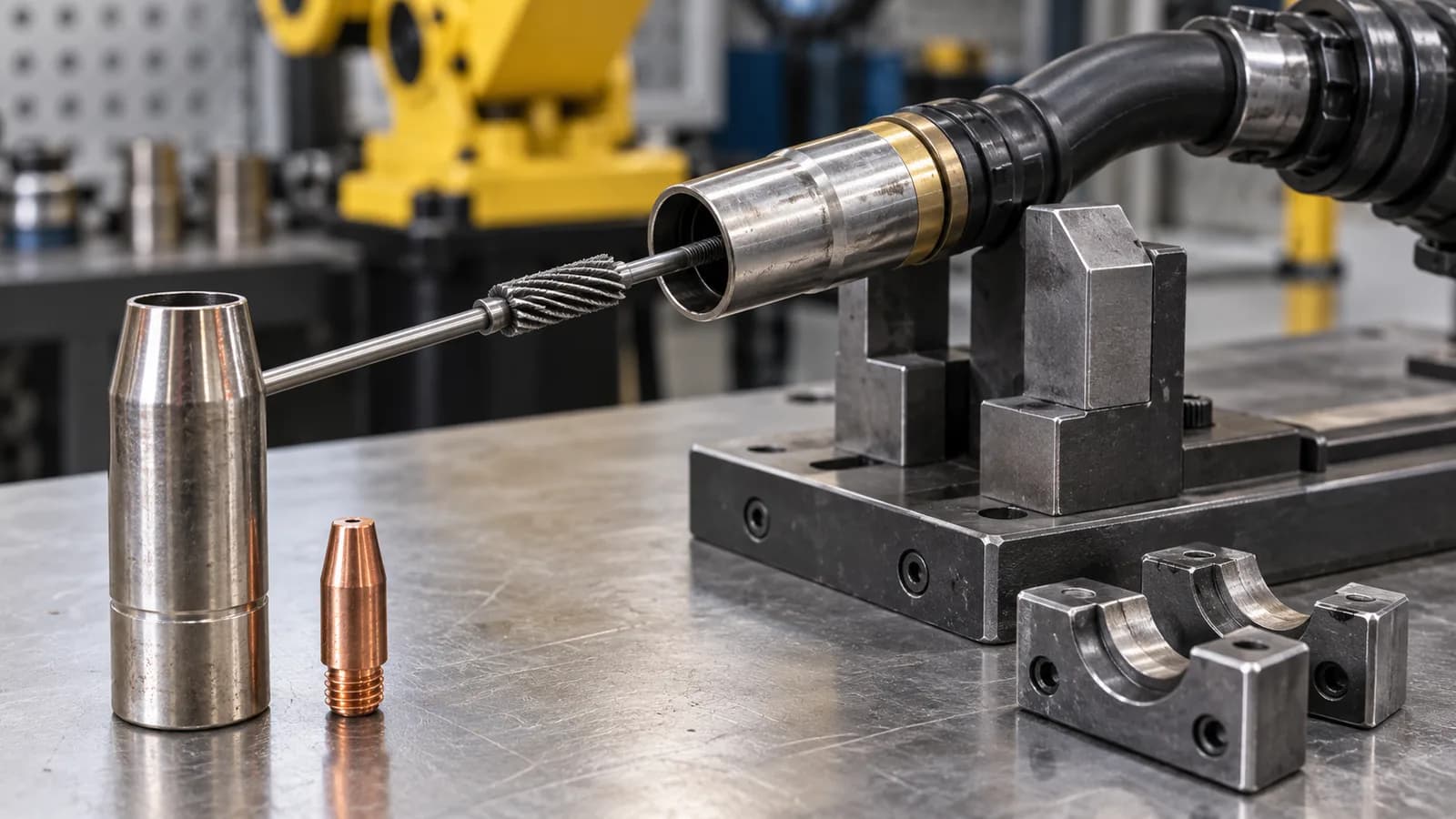
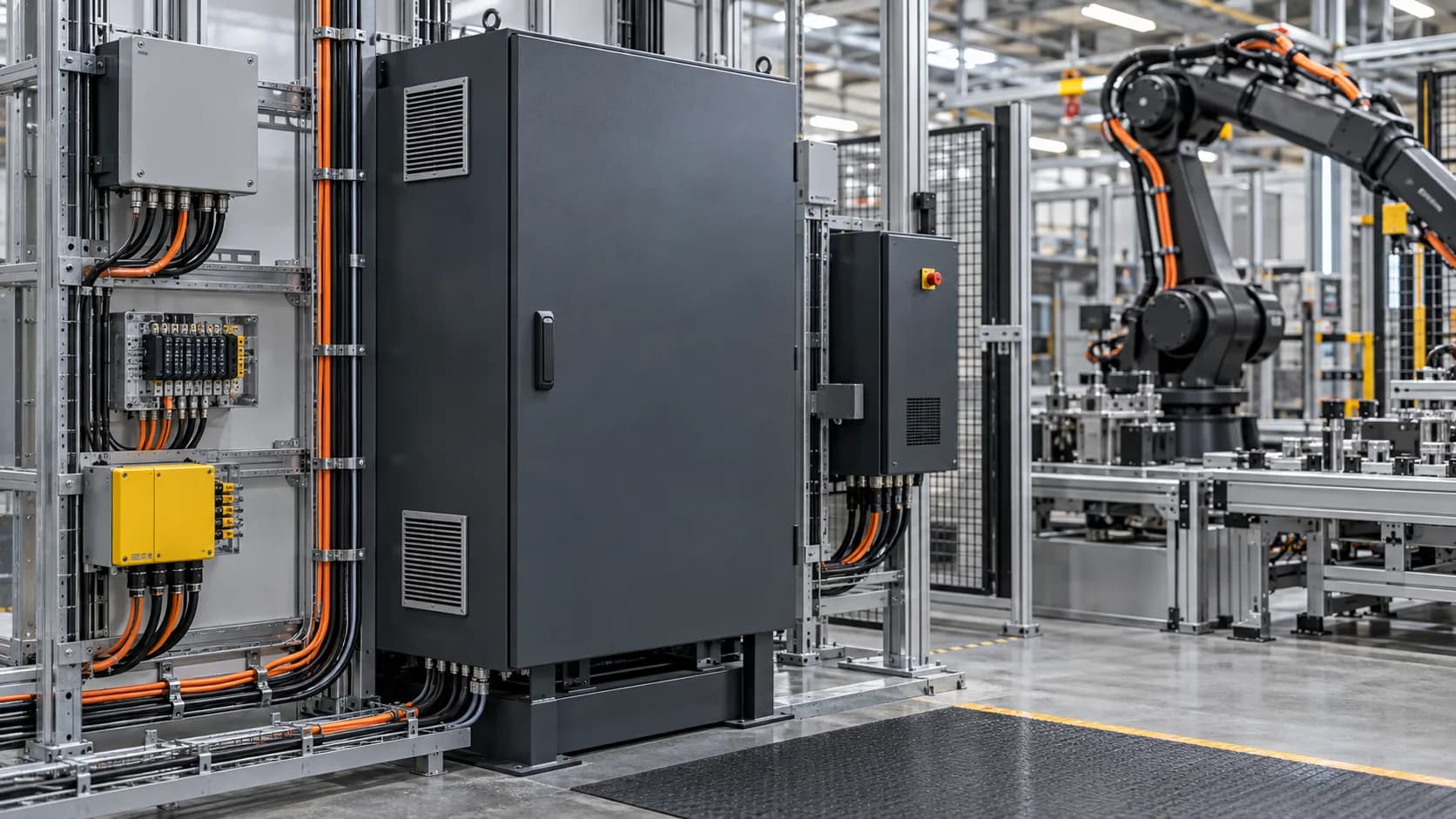
Tooling, interfaces and service access

Product and ordering questions
01What are the applications of D350S Robot Welding Power Source?+
D350S is a robotic welding power source with a 30–350 A output range and 12–36 V voltage range. The supplied process list includes CO₂/MAG/MIG short-circuit and MAG/MIG pulse welding for selecting a material-and-wire package.
02Does a listed fieldbus guarantee robot compatibility?+
No. Confirm the exact controller and software, communication adapter, licenses and process signal mapping. The interface must cover recipe selection, start/stop, ready, arc status and faults. A protocol name alone does not show that these functions are available in the offered hardware or already configured for the robot.
03What should I consider when choosing D350S Robot Welding Power Source?+
Its supplied rating is a 60% duty cycle over ten minutes, with three-phase 380 V ±15% input and 18 kVA rated input power. Include cooling, wire feeding and robot communication in the package; the current range alone does not define material thickness or weld quality.
04What should the equipment package include?+
Identify the selected equipment and separate the following packages: power source, process package, robot integration. State which accessories, controls, installation, programming and commissioning are included. This makes equipment-only and integrated proposals comparable without assuming identical supply scope.
05How can I request a quotation for D350S Robot Welding Power Source?+
Send the required model or arrangement, quantity and destination, plus material, thickness, weld size, wire, gas and required process mode; current, voltage, duty-cycle conditions and the complete production sequence. Add photographs or drawings and identify existing equipment. TubeFrame can then discuss model sourcing, configuration and partner-supported integration as separately defined work packages.
Specify your next equipment package
Send the model or configuration, drawings, quantity and destination. We will discuss equipment sourcing, technical interfaces and any integration work required for your application.