
FANUC
FANUC Handling Robot Selection
Compare FANUC M-10, M-20 and R-2000 handling robot options by the exact model and production task. This family selection page links to the dedicated M-20iD/25 specifications and keeps other variants separate until their current configuration is identified.
- Model options
- 10
- Compare by
- Payload, reach and controller
Handling, tooling and working envelope
Suffixes, arm generations and controller versions matter when sourcing a robot or matching an existing cell. Send the complete model, nameplate, required reach and gripper load. Do not transfer a rating from M-20iD/25 to another M-20 variant or infer welding suitability from a handling-family name.
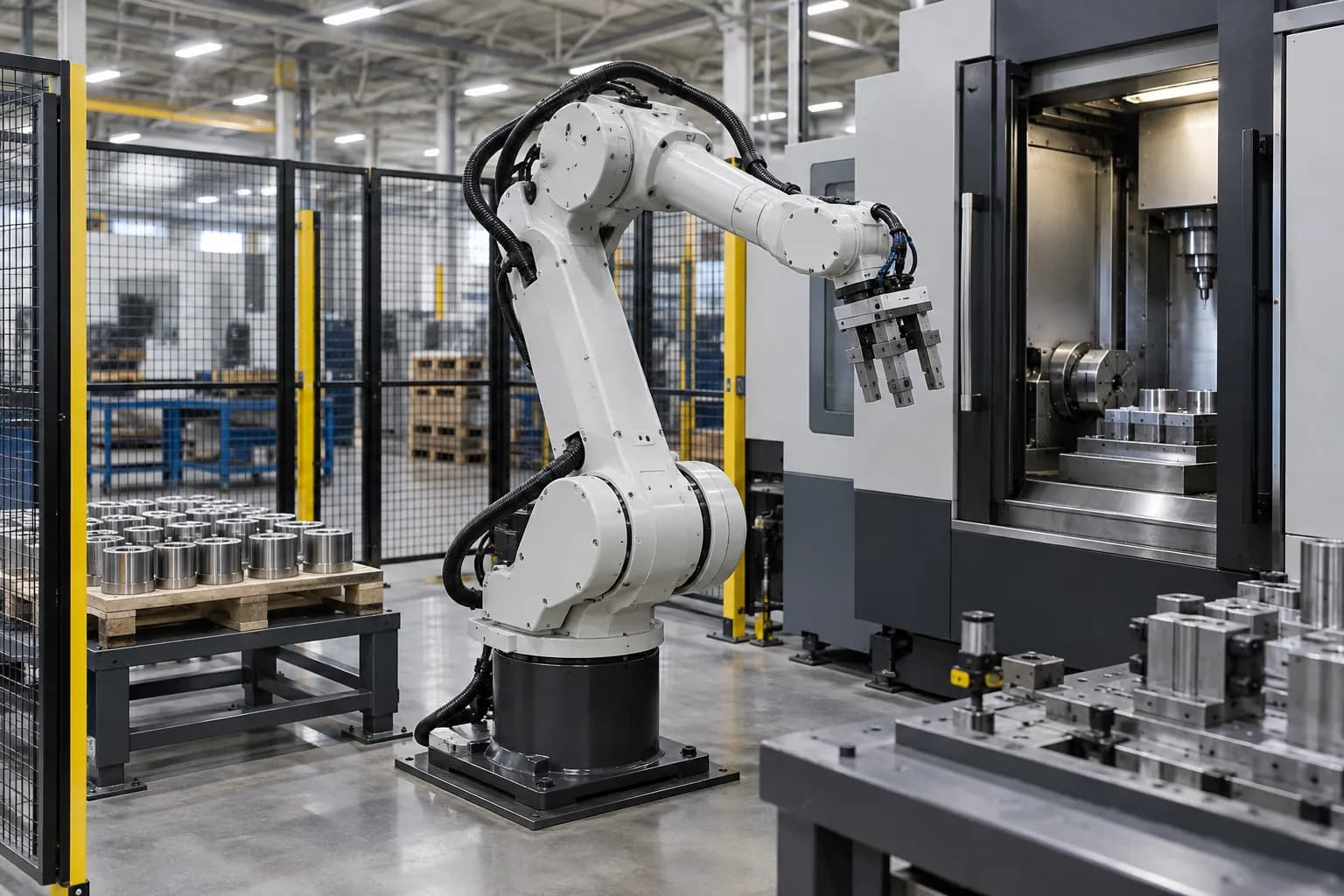
A handling robot moves the complete tool-and-part assembly between defined poses. Start with the gripper, adapters, services and workpiece, then check wrist moments and inertia for the chosen motion. A reach dimension describes the robot geometry; usable access also depends on tool length, wrist orientation, machine openings and fixtures. For assembly, define how the part is located and how insertion or seating is confirmed. For machine tending, include door travel, chuck or fixture status, chips, coolant and the recovery position. These details distinguish an arm-only purchase from a working transfer system.
Application focus
- Material handling
- Machine tending
Specifications and selection notes
This page covers several models. The comparison below assigns each rating to its model; select an individual row before sizing the fixture, drive or installation.
Choose the model and configuration
Each row describes the named variant. Use its values together; parameters from different rows are not a combined specification.
| Model / arrangement | Technical data |
|---|---|
| M-10iA/8L | Selected to the part and installation drawing. Specify the required working envelope, equipment package and interfaces in your inquiry. |
| M-10iA/12 | Selected to the part and installation drawing. Specify the required working envelope, equipment package and interfaces in your inquiry. |
| M-10iD/8L | Selected to the part and installation drawing. Specify the required working envelope, equipment package and interfaces in your inquiry. |
| M-10iD/12 | Selected to the part and installation drawing. Specify the required working envelope, equipment package and interfaces in your inquiry. |
| M-20iA | Selected to the part and installation drawing. Specify the required working envelope, equipment package and interfaces in your inquiry. |
| M-20iA/12 | Selected to the part and installation drawing. Specify the required working envelope, equipment package and interfaces in your inquiry. |
| M-20iB/25 | Selected to the part and installation drawing. Specify the required working envelope, equipment package and interfaces in your inquiry. |
| M-20iD/25 | Selected to the part and installation drawing. Specify the required working envelope, equipment package and interfaces in your inquiry. |
| M-20iD/35 |
|
| R-2000iC/165F | Selected to the part and installation drawing. Specify the required working envelope, equipment package and interfaces in your inquiry. |
Define what you need supplied
Robot package
Specify arm, controller, pendant, software and cables by exact version.
Tooling package
Add the gripper, adapters, sensors and part presentation required by the task.
Integrated transfer
Define machine interfaces, protection, programming and on-site commissioning separately.
Match the equipment to your installation
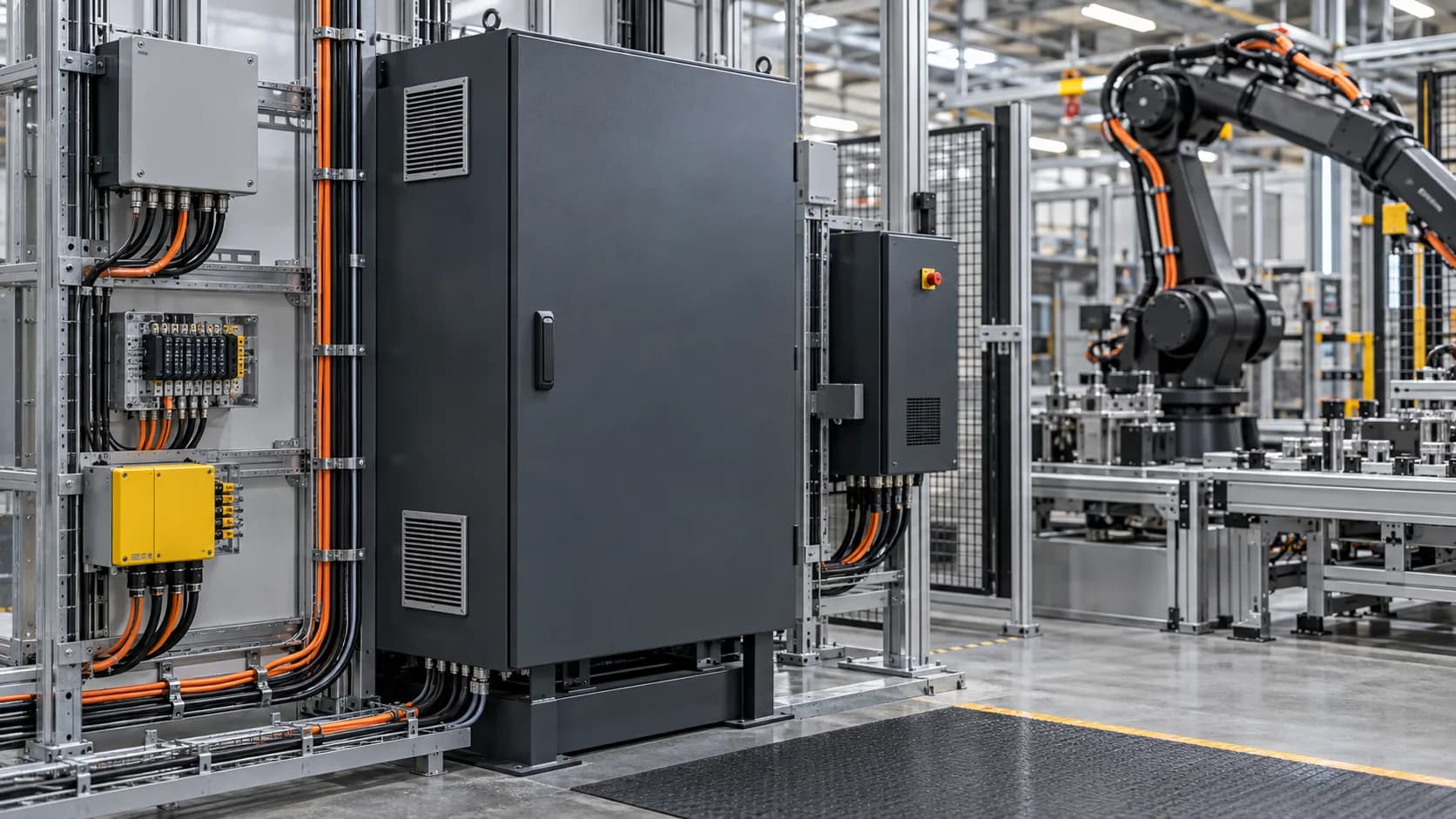
Plan the pedestal, anchoring and cable route around the robot mass and moving envelope. Match the offered controller, fieldbus, safety connections and electrical supply to the site. Keep access for mastering, grease points, connectors and tool replacement. During commissioning, check loaded paths, part-present signals, loss of grip, controlled stops and restart with the intended part family.
| Selection factor | Information to specify |
|---|---|
| Moving load | Part, gripper, adapters and services; include center of gravity and inertia at the wrist. |
| Pick and place positions | Coordinates, tool orientation, insertion depth and clearance at every handoff. |
| Grip and part detection | Contact surfaces, part variation, confirmation signals and the response to a missed pick. |
| Machine interface | Controller version, door/fixture sequence, I/O and a defined recovery state. |
From the part to the equipment package
- 01Define the part and pickup
- 02Size the complete tool load
- 03Check every transfer pose
- 04Connect controls and protection
- 05Test handling and recovery
Tooling, interfaces and service access

Product and ordering questions
01What are the applications of FANUC Handling Robot Selection?+
Compare FANUC M-10, M-20 and R-2000 handling robot options by the exact model and production task. This family selection page links to the dedicated M-20iD/25 specifications and keeps other variants separate until their current configuration is identified.
02Does robot payload equal the allowed part weight?+
No. The moving load includes the gripper, adapters, hoses and part. Its center of gravity, wrist moments and inertia must also fit the selected robot and motion. A part below the nominal payload can still require a different tool or robot because of its dimensions and offset.
03What should I consider when choosing FANUC Handling Robot Selection?+
Suffixes, arm generations and controller versions matter when sourcing a robot or matching an existing cell. Send the complete model, nameplate, required reach and gripper load. Do not transfer a rating from M-20iD/25 to another M-20 variant or infer welding suitability from a handling-family name.
04What should the equipment package include?+
Identify the selected equipment and separate the following packages: robot package, tooling package, integrated transfer. State which accessories, controls, installation, programming and commissioning are included. This makes equipment-only and integrated proposals comparable without assuming identical supply scope.
05How can I request a quotation for FANUC Handling Robot Selection?+
Send the required model or arrangement, quantity and destination, plus part, gripper, adapters and services; include center of gravity and inertia at the wrist; coordinates, tool orientation, insertion depth and clearance at every handoff. Add photographs or drawings and identify existing equipment. TubeFrame can then discuss model sourcing, configuration and partner-supported integration as separately defined work packages.
Specify your next equipment package
Send the model or configuration, drawings, quantity and destination. We will discuss equipment sourcing, technical interfaces and any integration work required for your application.